设为首页
收藏本站
切换到窄版
用户名
Email
自动登录
找回密码
密码
登录
立即注册
只需一步,快速开始
快捷导航
首页
BBS
关于我们
搜索
搜索
热搜:
活动
交友
discuz
本版
帖子
京峰教育-Linux技术论坛
»
首页
›
默认篇
›
Linux基础入门
›
配置Openwebmail
返回列表
发新帖
查看:
37
|
回复:
0
配置Openwebmail
[复制链接]
admin
admin
当前离线
积分
240
55
主题
27
回帖
240
积分
管理员
积分
240
发消息
发表于
4 天前
|
显示全部楼层
|
阅读模式
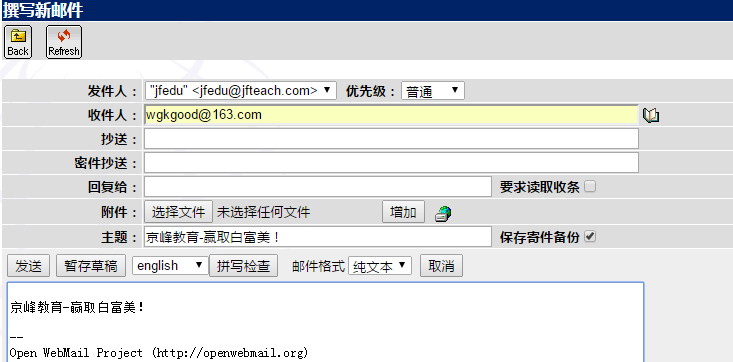
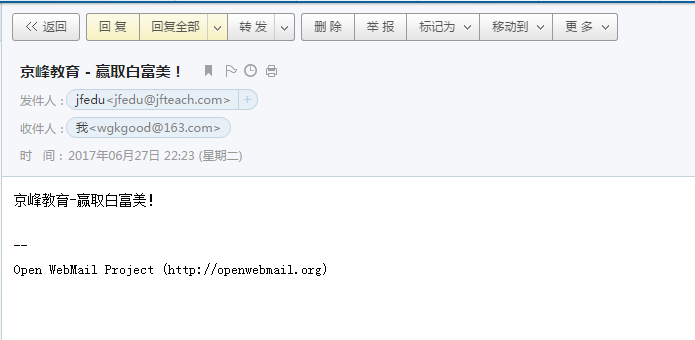
如上配置完Sendmail邮件服务器,可以通过Outlook、Foxmail收发邮件,如果需要WEB页面收发邮件,可以基于Openwebmail来实现。例如访问:http://mail.jfedu.net/,以用户名和密码登录,进行邮件的发送与收取,则需配置openwebmail软件,配置如下:
Openwebmail服务安装
cd /etc/yum.repos.d
wget -q http://openwebmail.org/openwebmail/download/redhat/rpm/release/openwebmail.repo
yum install openwebmail -y
Openwebmail配置:
yum install httpd httpd-devel -y
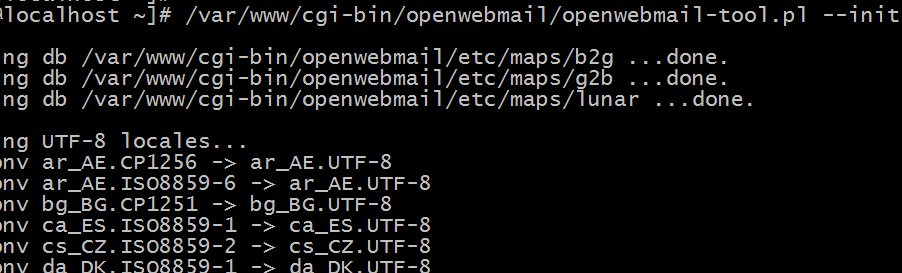
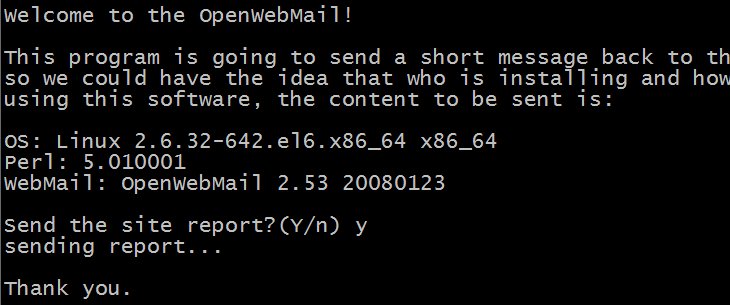
/var/www/cgi-bin/openwebmail/openwebmail-tool.pl --init
vi /var/www/cgi-bin/openwebmail/etc/openwebmail.conf
domainnames jfedu.net
default_language zh_CN.GB2312
default_iconset Cool3D.Chinese.Simplified
/var/www/cgi-bin/openwebmail/openwebmail-tool.pl --init
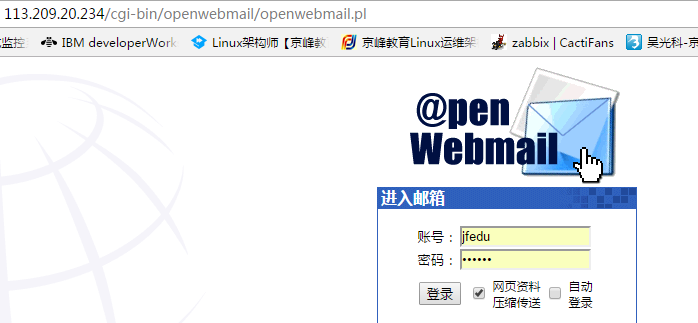
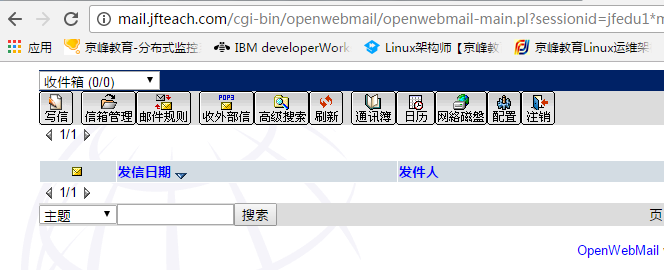
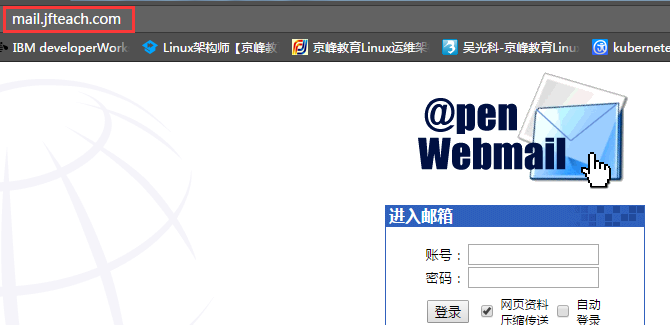
通过浏览器访问openwebmail,访问如图:
http://113.209.20.234/cgi-bin/openwebmail/openwebmail.pl
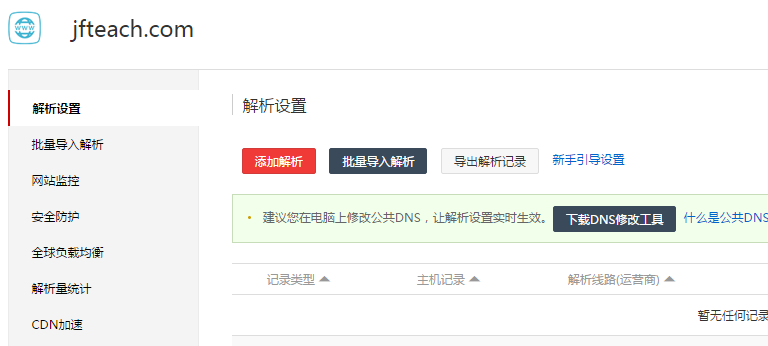
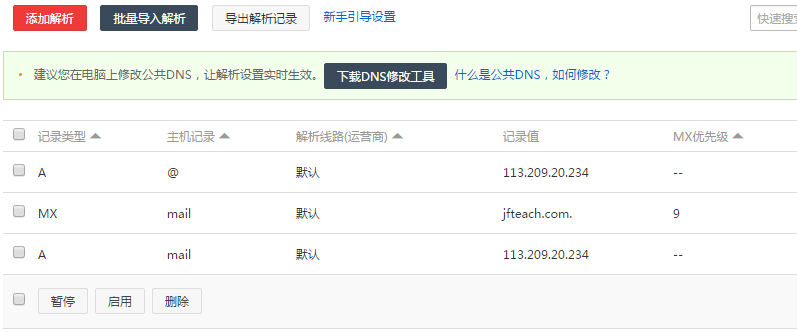
SendMail外网域名配置,配置方法如下:
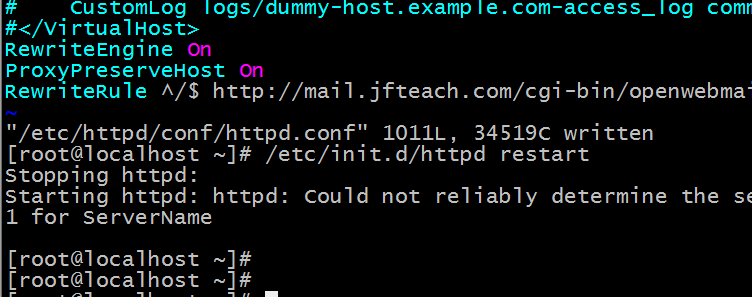
同时配置Nginx rewrite规则,开启访问mail.jfedu.net直接访问Openwebmail页面,规则添加如下:
RewriteEngine On
ProxyPreserveHost On
RewriteRule ^/$ http://mail.jfedu.net/cgi-bin/openwebmail/openwebmail.pl [P,L,NC]
回复
举报
返回列表
发新帖
懒得打字嘛,点击右侧快捷回复
选择快捷回复
楼主发贴辛苦了,谢谢楼主分享!
楼主太厉害了!楼主,I*老*虎*U!
这个帖子不回对不起自己!
这东西我收了!谢谢楼主!
我看不错噢 谢谢楼主!
既然你诚信诚意的推荐了,那我就勉为其难的看看吧!
其实我一直觉得楼主的品味不错!呵呵!
感谢楼主的无私分享!
楼主,大恩不言谢了!
楼主,我太崇拜你了!
社区不能没有像楼主这样的人才啊!
【右侧内容,后台自定义】
高级模式
B
Color
Image
Link
Quote
Code
Smilies
您需要登录后才可以回帖
登录
|
立即注册
本版积分规则
发表回复
回帖后跳转到最后一页
快速回复
返回顶部
返回列表


 发表于
发表于